AI Stencil Tools for Tattoo Artists
AI can speed up the mechanical stencil step. The artist still decides what belongs on skin.

The Problem With Reference Images
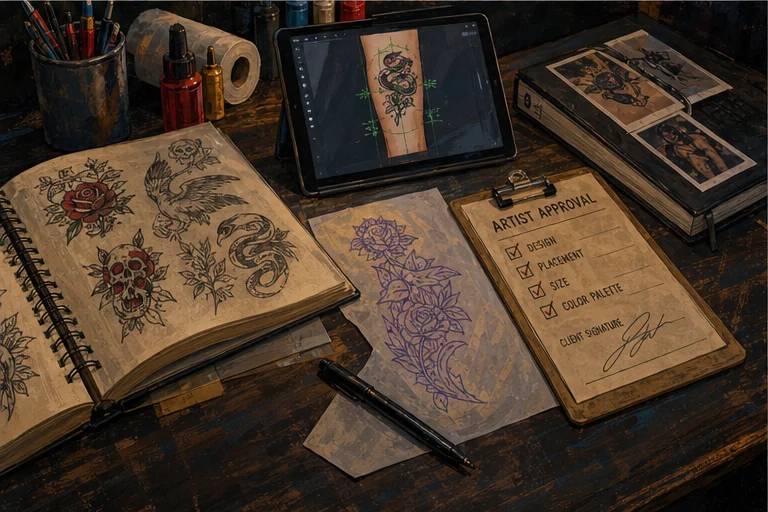
Every tattoo starts with a reference — something the client brings in or you find together. And every reference image has a problem: it's not a tattoo stencil.
Reference photos have backgrounds, lighting, shadows, and visual noise. The design you want to extract from a photo exists in the image but isn't isolated from it. Turning a reference photo into a clean, print-ready stencil has always required either:
- Drawing skills (freehand interpretation or manual tracing)
- Photoshop proficiency (time-consuming, requires technical skill)
- A combination of both (slow, inconsistent)
This is where AI stencil generation enters the workflow — not to replace the artist, but to handle the mechanical extraction step so the artist can spend time on the creative decisions that actually matter.
What Stencil Lab Actually Does
LVL2's Stencil Lab is an AI-powered stencil generation tool built into the LVL2 platform. You upload a reference image — a photo, a client reference, or your own sketch — and the tool produces stencil-oriented output for the artist to review. The result is a starting point, not an automatic promise that every source image will become transfer-ready without cleanup.
What it handles well:
- Background removal and isolation
- Contrast enhancement for clean line work
- Line simplification (removes noise and unnecessary detail)
- Size scaling while maintaining proportion
What it doesn't do:
- Creative interpretation or design choices
- Style application (traditional shading vs. blackwork line weight, etc.)
- Judgment about what makes a good tattoo design
The AI is a tool for the mechanical step. The artistic decisions — placement, style, flow, what to emphasize and what to simplify — are still entirely the artist's.
The Workflow: How Stencil Lab Fits Into a Real Tattoo Process
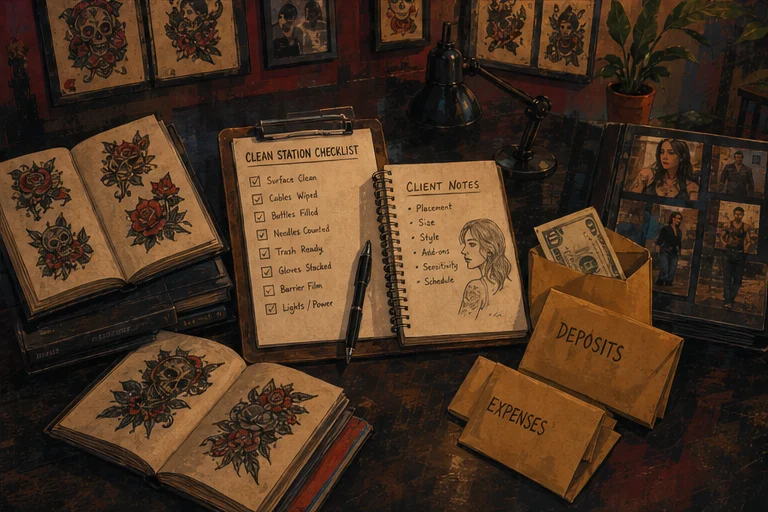
Here's how Stencil Lab fits into an actual session workflow, step by step:
Step 1: Client brings a reference.
Client shows you an image they found online or a photo of someone else's tattoo. You discuss what they like about it and what you can adapt for their body.
Step 2: Upload to Stencil Lab.
You upload the reference image to Stencil Lab and generate an initial stencil pass. Processing time and output quality depend on the source image and the generation settings.
Step 3: Artist review and adjustment.
You look at the AI-generated stencil and make judgment calls:
- Are the proportions right for the client's body placement?
- Does the line weight work for the style you're planning?
- Are there elements to simplify or emphasize?
This is where your expertise lives. The AI gives you a starting point; you make it tattooable.
Step 4: Manual cleanup if needed.
Inspect every output at full size. Some references may be ready after a light adjustment; others need manual redrawing, line-weight changes, or cleanup in the tool you already use.
Step 5: Print and transfer.
Print the stencil and transfer it to the client's skin. Now you're ready to tattoo.
The useful comparison is your own before-and-after workflow: measure how long the same kind of reference takes manually, then compare it with a generated first pass plus the review and cleanup it still needs.
Where the Time Savings Come From
The time argument is straightforward, but the result is different for every artist and every reference. A clean, high-contrast source may generate a useful first pass quickly. A noisy photograph, a healed tattoo, or a composition that needs interpretation can still require substantial drawing and cleanup. Track your own prep time instead of treating a marketing estimate as a guarantee.
More importantly: the time you spend on mechanical stencil prep is time you're not thinking about the creative aspects of the tattoo. When Stencil Lab handles the extraction, you spend that saved time on what you actually went to art school for — design, composition, flow.
There is also a consistency argument. Keeping the source, generated versions, artist review, and final output in one repeatable process makes it easier to compare attempts and document what changed. The final quality still depends on the artist's judgment.
Where Human Judgment Is Still Essential
AI stencil generation has a genuine limitation that isn't a knock on the technology: it doesn't know what makes a good tattoo.
A reference image might have beautiful composition that only works because of the photography. An AI will extract the lines faithfully and give you a stencil that's technically correct but doesn't capture what made the original image compelling.
A reference might show a piece in a style that requires specific line weights to read correctly. An AI doesn't know that a blackwork design needs consistent bold lines to work — it just sees contrast and edges.
A reference might be a photo of a healed tattoo that's aged in a way that looks intentional but is actually degraded. An AI will replicate the degradation.
This is why Stencil Lab is a tool for artists, not an autonomous tattoo system. Every output requires artist judgment before it becomes a tattoo. Clean references may need less correction than complex ones, but the artist's eye is required in both cases.
Who Stencil Lab Is For
New artists learning the workflow. Stencil Lab can make the extraction and review steps easier to study, but it does not replace drawing fundamentals, sanitation training, or supervised tattoo practice.
Established artists testing a faster first pass. If you already know how to prepare a stencil manually, you can judge quickly whether a generated pass saves time for a particular source or whether drawing it yourself is faster.
Artists working from client references. When clients bring in photos of tattoos they found online, converting those to stencils is a mechanical task that doesn't require your creative input at the extraction stage. Let the AI handle it.
Multi-artist studios. A shared generation-and-review workflow can make it easier to document iterations across the studio without pretending every artist should make the same creative decisions.
What Stencil Lab Is Not
Stencil Lab is not a design tool. It won't generate tattoo designs from text prompts. It won't take a vague client description ("something meaningful") and produce a finished tattoo concept. It won't replace your flash sheets or your custom drawing process.
It handles one specific, time-consuming step: converting existing images into print-ready stencils.
If you're looking for AI that generates tattoo designs from scratch, that's a different category of tool (and one with significant copyright and originality questions that haven't been settled). Stencil Lab's utility is in its narrow focus: do one mechanical task faster and more consistently than manual methods.
The Bottom Line
Every tattoo artist spends time on stencil prep that could be spent on creative work or simply on running more appointments. Stencil Lab addresses that specific friction point without replacing any of the decisions that make a tattoo good.
The workflow isn't AI-generated tattoos. It's AI-assisted stencil extraction + artist judgment + tattoo. The artist remains the creative center of the process throughout.
For studios evaluating whether AI tools are worth integrating into their workflow: Stencil Lab is one of the few that's genuinely additive for working artists without requiring them to change how they work fundamentally.
See how Stencil Lab fits the artist workflow
LVL2 keeps creative tooling, booking, and client operations in one tattoo-native stack.
Explore LVL2 featuresStencil Lab is part of LVL2's artist workflow tooling.